
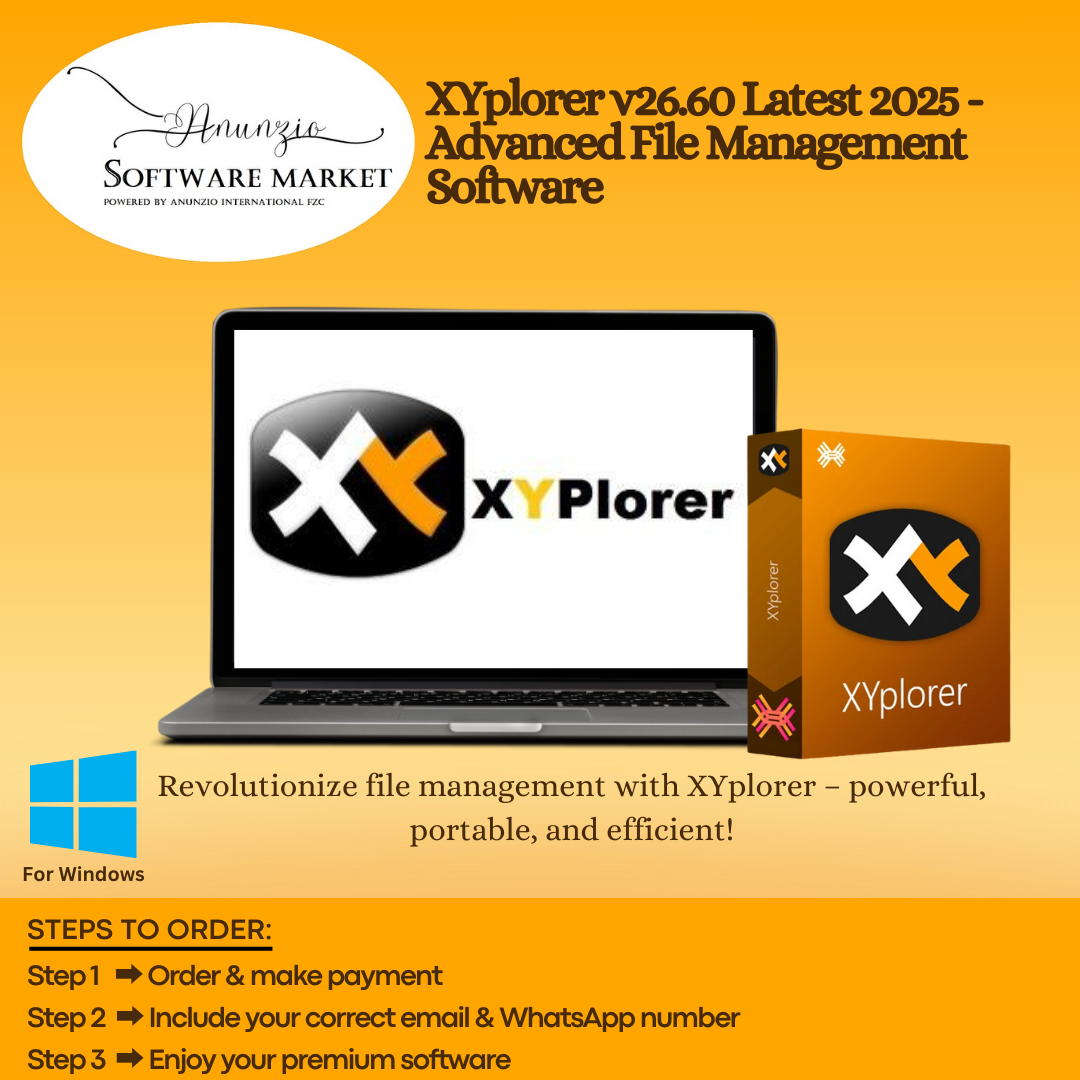
XYplorer v28.00 Latest 2026 for Windows is a robust, lightweight, and highly versatile file management software designed to replace the default Windows Explorer. With its intuitive interface, multi-tab browsing, drag-and-drop functionality, and high-speed search, XYplorer makes file organization faster and more efficient than ever. It supports a variety of graphic and multimedia formats, enabling users to preview and manage files with ease, making it a top choice for both personal and professional use.
The software also comes in portable mode, which ensures no changes are made to the Windows Registry, allowing you to run XYplorer on any system without installation. Users can quickly navigate through folders with mini tree views, rename multiple files in bulk, search for duplicate files, and apply color-coding for better organization. Its combination of speed, efficiency, and portability makes XYplorer ideal for power users, IT professionals, and anyone who needs a reliable solution for file management.
Available Versions:
- XYplorer v28.00 – Latest 2026
-
XYplorer v26.60
Key Features:
-
Portable Mode: Run independently with no changes to the Windows Registry
-
Dual-Pane Display: Normal and double window views for multitasking
-
Mini Tree View: Shows folder paths for quick navigation
-
Advanced Search: Locate files and duplicates with high speed and full settings
-
File Preview: Supports video, graphics, and multimedia formats
-
Mass File Renaming: Rename multiple files with advanced options
-
Color-Coded Files: Easily differentiate files with customizable colors
-
Shortcut Keys: Assign shortcuts to over 600 different operations
-
File Properties Copy: Copy file location, size, icons, and other properties
Benefits to the Buyer:
Enhance your productivity with a feature-rich environment for seamless file management. XYplorer’s portable mode, tabbed browsing, advanced search functions, and file preview options make managing your files smarter, faster, and more organized.
System Requirements:
-
Windows 7 / 8 / 10 / 11 (32-bit & 64-bit)
-
Disk Space: 50 MB free
-
RAM: 512 MB
Why Choose Anunzio Software Market?
– Prompt delivery of your account details
– Best price assurance on all our products
– Outstanding support team ready to assist you
– Extended warranty for peace of mind
– Delivery within 24-48 working hours to your Email/WhatsApp
– Please refer to privacy policy and refund policy
– Anunzio Software Market is just a reseller for these items from different marketplaces
For efficient file management, Total Commander offers powerful features like dual-pane navigation and advanced file operations. Meanwhile, Claris FileMaker Pro empowers you to create custom database solutions, streamlining workflows and organizing data effortlessly. Both tools cater to distinct needs, ensuring improved productivity in file handling and database management. Shop versatile solutions like antivirus tools, video editing software, and AI subscriptions at Anunzio Software Market. Microsoft Office 2019 and photo editing tools ensure seamless productivity.


Hazel June (verified owner) –
The software didn’t work at first, but support fixed it quickly.
Elena Monroe (verified owner) –
Could you notify me when the next sale starts? Thanks!
Parker Faith (verified owner) –
The price is great, but the setup process was frustrating.
Zara Pearl (verified owner) –
The setup was straightforward and easy to follow.
Matthew Bell (verified owner) –
Delivery was late by a day, but the quality is impressive.
Esther Lewis (verified owner) –
Was easy to integrate into my current setup, making this ideal for first-time users
David Vyas (verified owner) –
Everything was ready within minutes of purchase, which I really appreciate as a freelancer
James Smith (verified owner) –
A flawless experience from start to finish, which is more than I can say for other tools
Sophia Taylor (verified owner) –
Quick response from support on configuration issues
Joshua Katz (verified owner) –
Very straightforward installation, though it lacks some advanced options
Avi Bhatt (verified owner) –
Absolutely worth the price paid, though some icons are hard to identify
Adnan Cohen (verified owner) –
Was very impressed by the software quality, though more export formats would be useful
James Smith (verified owner) –
A flawless experience from start to finish, which is more than I can say for other tools
Ren Sato (verified owner) –
The software download was prompt and useful customization options making workflow efficient
Emil Andersson (verified owner) –
Support went above expectations, and I got a response to my query in minutes
Jacob Ryan (verified owner) –
Best academic service I’ve ever used.
Trevor Michael (verified owner) –
My grades have improved dramatically.
Adrian Carter (verified owner) –
The product works fine.
Wesley Hughes (verified owner) –
Everything about this purchase was seamless.