
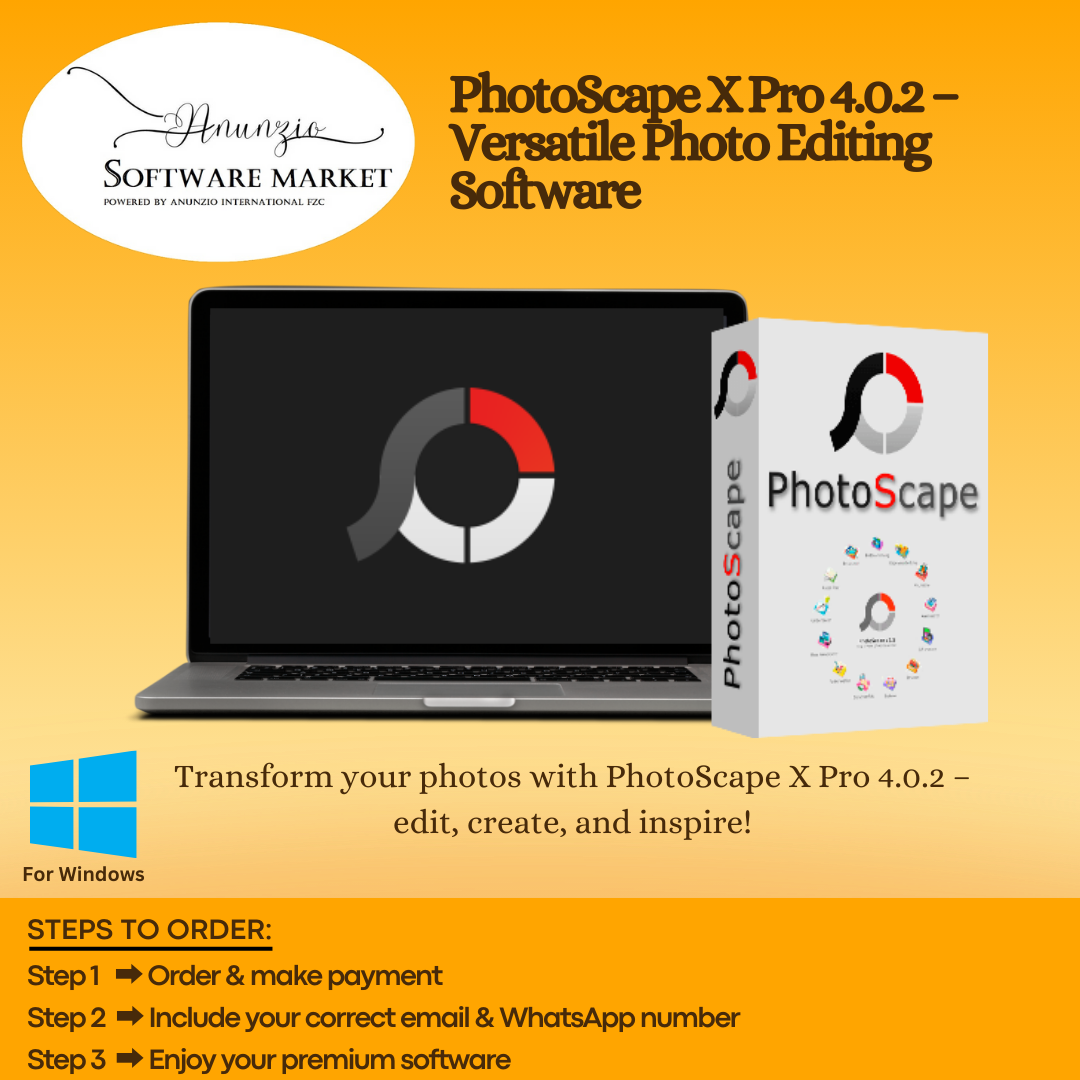
PhotoScape X Pro is a powerful and versatile photo editing software for Windows and macOS that helps creators, photographers, and designers edit, enhance, and transform images with ease. Designed for both beginners and advanced users, this all-in-one solution provides professional tools that streamline creative workflows. Because it supports a wide range of editing needs, it becomes the ideal software for anyone who wants reliable image editing features without complex learning curves.
The latest PhotoScape X Pro v4.2.8 introduces improved performance, smoother editing, and more refined controls. With enhanced brightness restoration, better lighting correction, and advanced adjustment sliders, users can produce high-quality visuals more efficiently. Additionally, the ability to edit detailed photos, fix imperfections, and enhance image clarity makes the software exceptionally useful for everyday creative work. Since it supports both Windows (v4.2.8) and macOS (v4.2.1), it offers flexible accessibility for different users.
What the product does (PhotoScape X Pro)
PhotoScape X Pro allows you to edit photos, adjust brightness and contrast, apply filters, create mosaics, design animated GIFs, and perform batch operations. It also supports screen snapshots, image blending, segmentation, red-eye removal, and orientation adjustments.
What it offers
-
Advanced image editing and correction tools
-
Lighting restoration, color adjustments, and smooth enhancement sliders
-
Batch renaming, group editing, and repetitive task automation
-
GIF creation, mosaic building, and image splitting
-
Filters, effects, and precise detail controls for improved output
Benefits to the buyer
Because PhotoScape X Pro offers a complete set of tools, users can create professional-quality visuals quickly and consistently. It increases productivity, supports multiple workflows, and provides a clean interface that boosts creativity. The improved 2025 version further ensures better stability and smoother processing, helping buyers work faster and achieve higher-quality results.
Why Choose Anunzio Software Market?
-
Prompt delivery of your account details.
-
Best price assurance on all our products.
-
Outstanding support team ready to assist you.
-
Extended warranty for peace of mind.
-
Delivery within 24-48 working hours to your Email/WhatsApp.
-
Please refer to our privacy policy and refund policy.
-
Software installation service via Anydesk or Teamviewer, Book now
-
Anunzio Software Market is just a reseller for these items from different marketplaces.
Enhance your photography workflow with dslrBooth Photo Booth Professional, a top-notch solution for creating professional photo booth experiences. For stunning image enhancements, check out Topaz Photo AI, which uses advanced AI tools to sharpen, denoise, and upscale your photos effortlessly. These tools cater to photographers looking to elevate their creative projects with precision and ease.
Pixelmator Pro 2025 offers a powerful editing suite for Mac photographers. Match it with Skylum Luminar NEO for smart retouching and Topaz Sharpen AI to restore image clarity. A great choice among smart software picks for creatives. Shop top Windows software, disk space management software, and video editing tools at Anunzio Software Market. Find everything you need to boost productivity and enhance creativity.




Ivy Lennox (verified owner) –
They follow instructions to a T.
Chloe Phillips (verified owner) –
Everything worked fine after support fixed my issue.
Hazel King (verified owner) –
This has been the easiest setup I’ve done so far.
Levi Roberts (verified owner) –
Can you let me know if there’s a sale coming soon? I’d love to buy more.
Elin Svensson (verified owner) –
Ottimo prodotto, ma ci è voluto un po’ per attivarlo.
Orion Sage (verified owner) –
Always reliable for any last-minute help.
Yuto Kobayashi (verified owner) –
Found it very easy to use out of the box, though I wish I had a coupon code to use
David Thomas (verified owner) –
Activation was super fast, though there s room to improve UI elements
David Tuncer (verified owner) –
Very user-friendly product, even though a few features were hard to find
Rohan Gupta (verified owner) –
Loved how smoothly everything worked, which made the whole process feel premium
Grace Hill (verified owner) –
Customer service was super helpful throughout the process.
Blake Monroe (verified owner) –
La entrega fue rápida, pero la activación me dio algunos problemas.